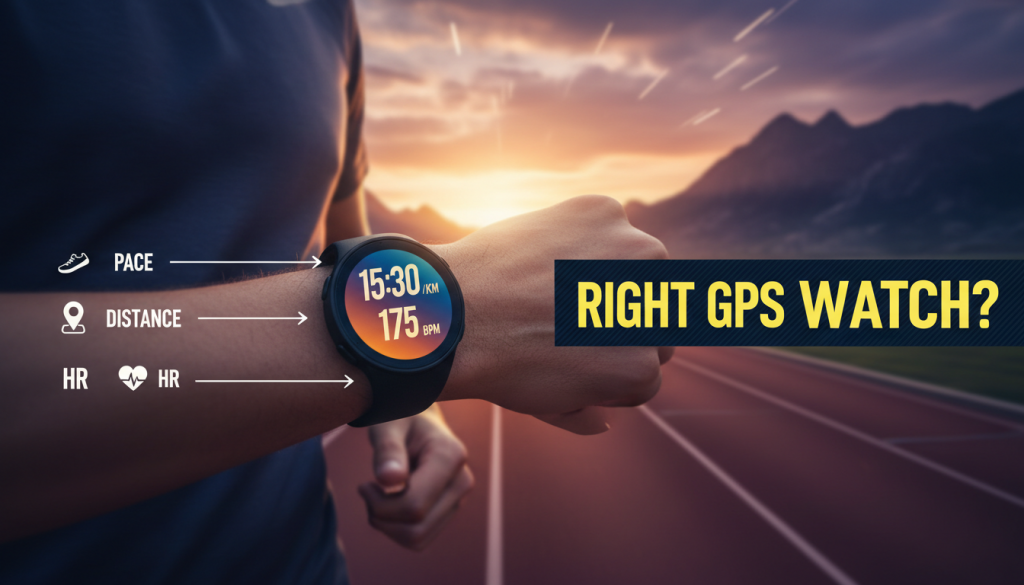
If you’re serious about your next race, the first decision isn’t just which event to choose—it’s how to Pick Right Watch Your training with. Today’s GPS watches do far more than track distance: they guide pacing, manage recovery, and even help you fuel correctly. But with new launches and software updates dropping every week, choosing the right device can feel overwhelming.
This running news blog dives into the latest releases and updates—from Coros, Garmin, and Apple—and shows you how to turn them into smarter training decisions so you can Pick Right Watch Your needs and your next big goal.
Table of Contents
- Why Your Watch Choice Matters for Your Next Goal
- This Week’s Running Tech News at a Glance
- Coros Pace 4: Battery Beast for Goal‑Driven Runners
- Garmin’s Earnings Surge: What It Means for Runners
- Garmin’s New AI Food Tracking: Fueling Your Training
- Apple’s Wrist‑Flick Gesture: Hands‑Free Control on the Run
- How to Pick the Right GPS Watch for Your Specific Goal
- RunV‑Relevant Tips to Get More from Any Watch
- Conclusion & Call‑to‑Action
Why Your Watch Choice Matters for Your Next Goal
When you Pick Right Watch Your training, you’re not just buying a gadget—you’re choosing a coaching companion. The right GPS watch can:
- Keep your pacing honest on easy and workout days
- Protect you from overtraining with recovery and load metrics
- Help you fuel better by linking effort and calorie burn
- Make race‑day execution easier with accurate pace and distance
The latest tech news shows a clear trend: brands are moving beyond simple tracking to integrated ecosystems—navigation, nutrition, adaptive training, and smarter interactions. That makes it even more important to Pick Right Watch Your current goal rather than chasing specs you won’t use.
This Week’s Running Tech News at a Glance
Four Key Stories Runners Should Know
- Coros Pace 4 launches with huge battery life and dual‑frequency GPS.
- Garmin’s Q4 earnings jump, powered by its fitness segment.
- Garmin Connect adds AI‑powered food and calorie tracking.
- Apple watchOS 26 introduces a new wrist‑flick gesture for hands‑free control.
Together, these stories paint a picture: longer battery, better accuracy, deeper nutrition insight, and safer, more intuitive controls. All of these should influence how you Pick Right Watch Your next training block or race season.
Coros Pace 4: Battery Beast for Goal‑Driven Runners
What the Coros Pace 4 Brings to the Table
Coros has just released the Pace 4, a running‑focused smartwatch at roughly $249. It’s clearly built for athletes who want performance, not a wrist‑based smartphone. Key specs:
- Up to 19 days of battery in standard mode
- Up to 41 hours with GPS active
- Dual‑frequency GNSS for more accurate location tracking
- 1.2‑inch AMOLED touchscreen, lightweight design
- Advanced heart‑rate sensors
- Training‑focused tools like in‑workout “voice logging”
What it doesn’t have: onboard music, NFC payments, or full maps. That’s a deliberate decision to Pick Right Watch Your priorities around training performance, not lifestyle extras.
Why It Matters for Runners
Battery life is arguably the Pace 4’s headline feature. For marathoners, ultra runners, and heavy trainers, not having to charge daily is a meaningful performance advantage. You can:
- Track multi‑day training camps or high‑mileage weeks without anxiety
- Confidently cover long races like marathons or 50Ks with GPS on
- Avoid gaps in sleep or recovery data due to nightly charging
Dual‑frequency GNSS means better GPS accuracy in cities, under tree cover, or near tall buildings. If you’ve ever wondered, “Why does my pace feel off today?” or struggled with GPS drift, this tech reduces those frustrations and supports more consistent pacing.
For runners aiming for a PR or a new distance, this accuracy helps Pick Right Watch Your pace targets and stick to them, especially on complex routes.
Who Should Consider the Coros Pace 4?
The Pace 4 is a strong fit if you:
- Primarily want a training device, not a mini‑phone
- Do long races or back‑to‑back long runs
- Value GPS accuracy more than smartwatch extras
- Are on a budget but still want dual‑frequency GNSS
If you train by heart rate or structured workouts, combining a Pace 4 with knowledge like Training by Heart Rate: 5 Proven Benefits for Beginner Runners can make the tech far more powerful than just “start and stop” tracking.
Garmin’s Earnings Surge: What It Means for Runners
The Earnings Story
Garmin’s latest Q4 report sent its stock up nearly 10%. The fitness segment—driven by running watches and trackers—brought in $765.8 million, beating expectations. The company also:
- Proposed a 17% dividend increase
- Reported improved supply chain conditions
- Shared confident guidance through 2026
On the surface, that’s an investor story. But for runners deciding how to Pick Right Watch Your budget and brand loyalty, it’s bigger than numbers.
Why Runners Should Care
Garmin’s financial strength means it can keep investing in:
- More advanced training metrics and coaching features
- Improved GPS accuracy and sensor hardware
- Better integrations with third‑party apps and platforms
- Long‑term software support and feature updates
If you already own a Garmin, this suggests your watch is less likely to be abandoned in terms of software support. If you’re considering your first GPS watch, this stability is a strong factor when you Pick Right Watch Your ecosystem for the next few years.
How Garmin’s Direction Shapes Your Decision
Garmin has moved beyond simple GPS tracking into load, recovery, and performance readiness. That aligns with what serious runners need to:
- Plan tapers intelligently before races
- Balance hard workouts with enough recovery
- Avoid overuse injuries via measured training load
When you Pick Right Watch Your next training cycle, remember that a device is most useful when its ecosystem fits your goals. If you lean toward data‑rich training and structured plans, Garmin’s momentum is a positive signal.
Garmin’s New AI Food Tracking: Fueling Your Training
What Garmin Just Launched
At CES 2026, Garmin unveiled AI‑powered food and calorie tracking in its Connect app. Runners can now:
(Choose right GPS watch)
- Log meals by snapping a photo using AI image recognition
- Enter meals directly in the app or via supported watches
- See calorie intake alongside activity and calories burned
- Receive personalized nutrition insights based on Garmin’s activity data
This tight integration of fueling and training is a major upgrade for anyone targeting a big performance goal.
Why This Matters for Runners
Nutrition is often the missing piece—even for runners who are meticulous about pacing and workouts. With this update, you can:
- Compare high‑mileage weeks with your actual calorie and carb intake
- Identify under‑fueling patterns on long run days
- Fine‑tune race‑week nutrition for better performance
If your goal is a PR in a Half Marathon or your first marathon, this helps you Pick Right Watch Your fueling strategy and align it with your workout load, instead of treating calories as a separate, vague number.
How to Use It in Real Training
To really benefit:
- Log at least one main meal and one snack each day for a few weeks.
- Watch how hunger and energy correlate with hard workouts and long runs.
- Adjust carb intake before tempo or interval sessions based on what led to strong performances.
When you Pick Right Watch Your habits around fueling, Garmin’s integrated data lets you see how that translates to pace stability, perceived effort, and recovery, making nutrition a controllable, trackable part of your plan.
Apple’s Wrist‑Flick Gesture: Hands‑Free Control on the Run
What’s New in watchOS 26
A February 4, 2026 update to watchOS 26 added a new wrist‑flick gesture for supported Apple Watch models (Series 9–11, SE 3, Ultra 2 and 3). By flicking your wrist back and forth quickly, you can:
- Dismiss notifications and apps
- Silence timers and alarms
- Reject calls without touching the screen
For everyday use, it’s a small convenience. For runners, it can meaningfully change how you interact with your watch mid‑run.
Why Runners Should Care
On a fast interval or a crowded group run, you don’t always have a free hand—or the focus—to tap your watch precisely. The new gesture lets you:
- Dismiss distracting notifications without breaking stride
- Avoid fumbling with sweat‑covered screens
- Stay more present and safe, especially in traffic or busy paths
When you Pick Right Watch Your safety and usability features, this kind of interaction matters more than an extra metric screen. A device that’s easy to control is a device you’ll actually use correctly in the moments that count.
Leveling Up Apple Watch for Training
If you’re already in the Apple ecosystem, you can further boost training value by setting up proper heart rate zones. This helps ensure that when you Pick Right Watch Your intensity, you stick to true easy, tempo, or threshold efforts instead of “kind of hard all the time.”
To get more from your Apple Watch during training blocks, see guides like How to Set Up 5 Powerful Apple Watch Heart Rate Zones, then combine those zones with the new gesture for smoother, safer control on the run.
How to Pick the Right GPS Watch for Your Specific Goal
Step 1: Start with Your Goal, Not the Gadget
To Pick Right Watch Your actual needs, begin with your primary goal in the next 6–12 months:
- First 5K or 10K: Simple GPS, heart rate, and basic workout support.
- Half or full marathon: Reliable GPS, structured workouts, and good battery.
- Trail or ultras: Long battery life, strong GPS, elevation data.
- Year‑round performance focus: Recovery metrics, training load, HRV.
Write your main goal down first. Then evaluate watches through that lens only—this is how you truly Pick Right Watch Your future racing and training, not your tech curiosity.
Step 2: Match Features to Your Training Style
Here’s how core features should map to how you train:
(Best fitness trackers)
- Battery life: Essential for long races or multiple days between charges.
- Dual‑frequency GPS: Valuable if you run in cities, forests, or mountains.
- Heart‑rate accuracy: Important if you use HR‑based zones and easy days.
- Training metrics: Look for training load, VO₂ max, recovery, and suggested workouts if you like guidance.
- Smartwatch features: Music, NFC, and notifications if you want an all‑round daily device.
Coros Pace 4 leans hard into battery and GPS accuracy. Garmin tends to balance depth of training metrics with decent battery. Apple focuses on usability and ecosystem integration, now with smarter gestures.
Step 3: Consider Your Ecosystem
To Pick Right Watch Your long‑term training environment, think beyond the device:
- Apps you already use (Strava, RunV, TrainingPeaks)
- Phone OS (iOS vs Android)
- Existing sensors (chest straps, foot pods)
- Future needs (triathlon, trail, indoor workouts)
Buying a watch that fits your current ecosystem reduces friction. You’re more likely to stick with your data, analyze it, and use it to improve when the pipeline from wrist to app is smooth.
Step 4: Align Budget with Longevity
A $249 watch you fully exploit for three years is better value than a $500 flagship you barely tap into. When you Pick Right Watch Your budget:
- Prioritize the one or two features that directly support your main goal.
- Ask whether you genuinely need offline maps, music, or LTE.
- Consider future firmware updates—brands like Garmin and Apple are strong here.
Coros’ Pace 4 offers impressive training‑focused value at its price. Garmin’s broader range spans budget to premium, with strong long‑term software support. Apple delivers top‑tier smartwatch functionality but may require more frequent charging.
RunV‑Relevant Tips to Get More from Any Watch
Use Data to Protect Against Injury
No matter which device you choose, its real power lies in how you use the data. GPS accuracy, training load, and consistent tracking help you spot risky patterns—sudden mileage spikes, too many hard days, or pace drift from fatigue.
If you want to go deeper into this aspect when you Pick Right Watch Your training tools, check out Why Accurate Running Data Prevents 5 Essential Injuries, then make sure your watch is set to capture data consistently on every run.
Combine Watch Metrics with Sensible Training Structure
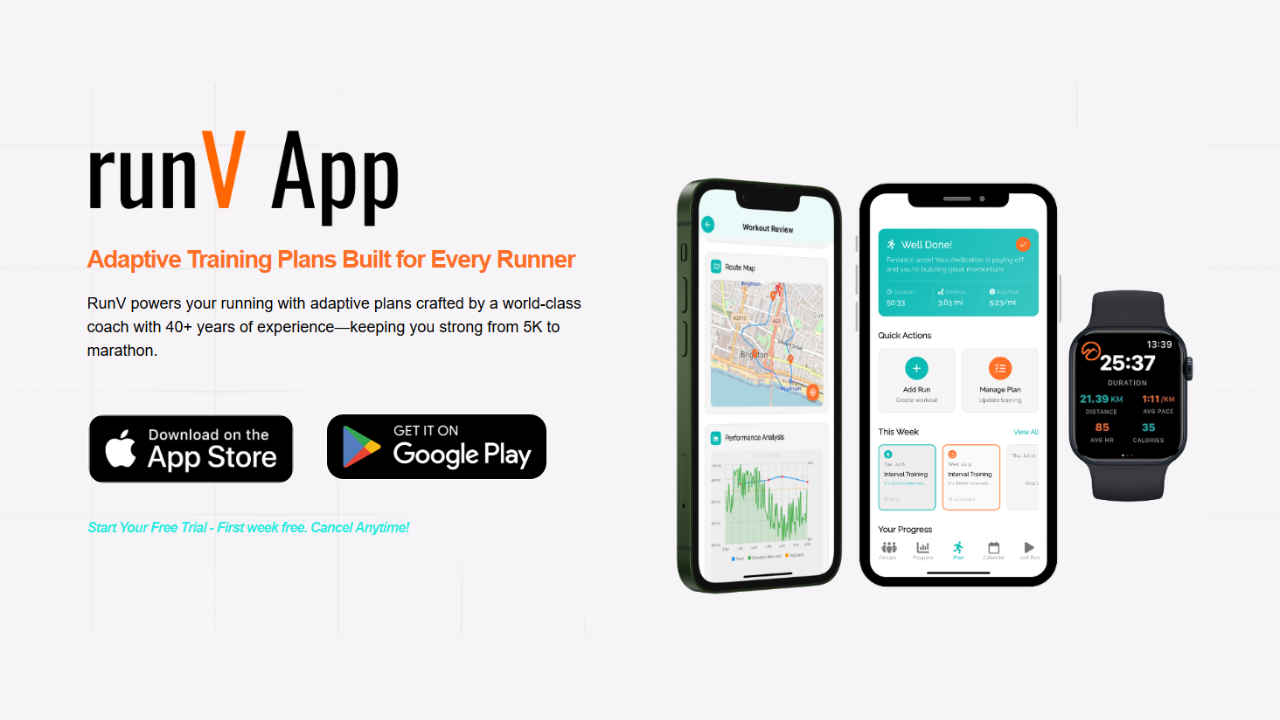
Your watch can suggest workouts or track intervals, but it doesn’t replace a solid plan. Whether you’re targeting a new PR, first distance, or comeback, pairing tech with an intelligently structured plan—especially adaptive ones—lets you:
- Respond to fatigue or life stress
- Adjust volume after missed days
- Progress at the right pace, not just the fastest pace
When you Pick Right Watch Your training framework, you amplify what your device can do. Adaptive approaches such as those discussed in How Adaptive Running Plans Deliver 7 Proven, Powerful Gains help turn raw data into smarter adjustments over weeks and months.
Focus on Fundamentals, Not Just Features
Even the best GPS watch can’t fix poor pacing, chronic under‑recovery, or inconsistent training. Use your device to:
- Keep truly easy runs easy via HR or pace caps
- Respect rest days and recovery metrics
- Plan deload weeks and tapers ahead of races
When you Pick Right Watch Your habits around training load and recovery, you’ll get far more from the latest tech trends than from any single spec or headline feature.
Conclusion & Call‑to‑Action
The latest running‑tech news—from Coros’ battery‑rich Pace 4 to Garmin’s financial strength and nutrition tools, to Apple’s wrist‑flick gesture—shows a clear direction: watches are becoming full training partners, not just trackers.
To truly Pick Right Watch Your next big goal, start with the race or milestone you care about most, map it to the features you’ll actually use, and choose the ecosystem that fits your life and training style. Then, commit to using that watch consistently—not only to log miles, but to refine pacing, fueling, and recovery week after week.
Your next PR or first finish line won’t come from specs alone. It will come from how you train with them. Decide on your goal today, list the two or three features that matter most, and Pick Right Watch Your journey toward that finish line—then let the tech work for you, not the other way around.