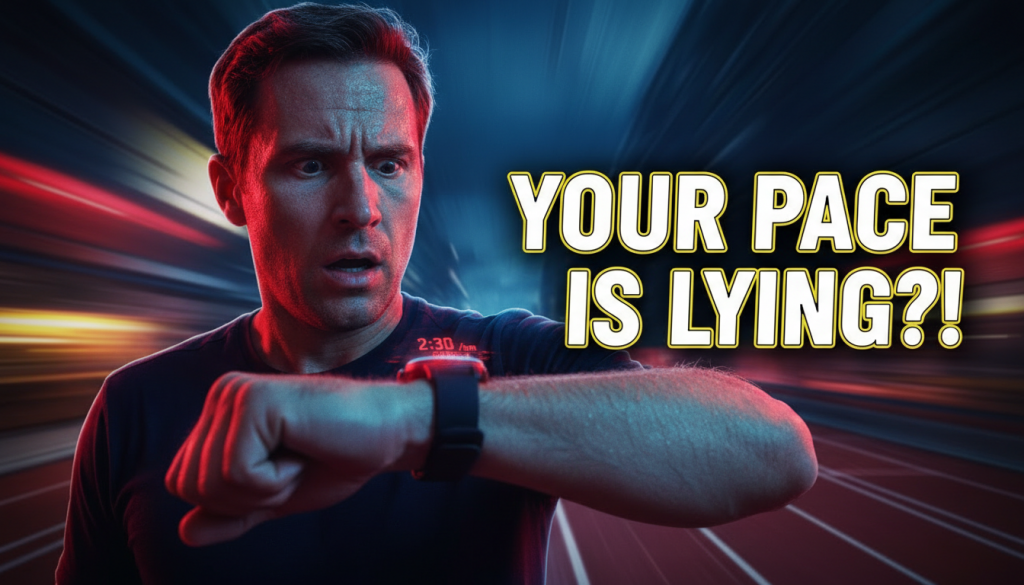
Your Watch Pace Feels wrong again. One minute you’re cruising at “easy” pace, the next your wrist buzzes telling you you’re suddenly 40 seconds per mile faster or slower – even though your effort hasn’t changed at all. For many runners, this isn’t just annoying; it wrecks intervals, ruins confidence, and makes every training decision feel like a guess. The reality: your watch isn’t broken, but what it’s telling you is often not what you think. And in some cases, it can quietly sabotage your training if you don’t understand what’s going on.
Table of Contents
- Why Your Watch Pace Feels Wrong: Big Picture
- Fact #1: GPS Pace Is a Noisy Estimate, Not a Truth Meter
- Fact #2: Instant Pace Lies More Than Any Other Metric
- Fact #3: Your Watch Pace Feels Different Indoors, in Cities, and on Trails
- Fact #4: Your Body Doesn’t Care About GPS Pace – It Cares About Load
- Fact #5: Your Training Plan Might Be Built on Pace Myths
- How to Fix the “Your Watch Pace Feels” Problem (Without Upgrading Your Watch)
- Advanced Tips for Data-Driven Runners
- Key Takeaways: How to Make Peace With Your Watch Pace
Why Your Watch Pace Feels Wrong: Big Picture
Before diving into the five facts, we need to admit something: running watches are incredible but fundamentally imperfect. GPS, wrist-based heart rate, accelerometers, mapping corrections – they’re all clever workarounds for one problem: your watch is guessing how fast you’re moving based on signals that are sometimes messy, blocked, or delayed.
When Your Watch Pace Feels off, you’re not imagining it. Your device might be:
- Measuring distance slightly incorrectly
- Applying smoothing or prediction algorithms
- Reacting slowly to speed changes
- Being confused by environment (buildings, trees, tunnels)
The key is not to throw the watch away, but to learn when to trust it, when to ignore it, and how to use it in a way that makes you faster instead of frustrated.
Fact #1: GPS Pace Is a Noisy Estimate, Not a Truth Meter
How GPS Actually Measures Your Pace
Every few seconds, your watch locks onto signals from multiple satellites, estimates your location on Earth, and then calculates how far you moved between points. Pace = distance divided by time. That sounds simple, but the devil is in the details.
Each GPS “fix” has small errors – often several meters off. If you’re running straight on a clear road, these errors usually average out. But if you’re turning, running near tall buildings, or under trees, those small errors can stack up in weird ways, making your apparent pace jump around.
So when Your Watch Pace Feels like it’s surging up and down without you changing effort, it’s usually signal noise being translated into a “precise” pace number that isn’t actually precise.
Common GPS Error Sources That Mess With Pace
- Urban canyons: Skyscrapers reflect GPS signals, causing your watch to think you zigzag or bounce.
- Heavy tree cover: Fewer clean satellite signals; distance estimation becomes shaky.
- Tunnels and bridges: Lost signal; watch guesses your path or fills gaps later.
- Sharp turns and switchbacks: Your real path is curved; GPS connects straight lines between points, often underestimating distance.
- Weather or satellite geometry: Sometimes the constellation position itself is less optimal.
Why “Average Pace” Is Usually More Reliable
Each individual GPS reading may be wrong, but over several minutes those errors often partially cancel. That’s why:
- Lap pace (e.g., mile or kilometer splits) is more stable than instant pace
- Average pace for the whole run is usually closer to reality than moment-by-moment numbers
If Your Watch Pace Feels unstable during workouts, try changing your main field to lap pace or average pace and watch how much calmer it becomes.
Fact #2: Instant Pace Lies More Than Any Other Metric
Why Instant Pace Is So Tempting – and So Misleading
Instant pace (the “right now” number) feels powerful. It seems to tell you exactly how fast you’re moving in this moment. But to compute that, your watch has to use very short time windows – which amplifies every tiny GPS error and delay in signal processing.
Imagine measuring speed by looking at your car’s odometer every three seconds, while your odometer randomly jumps a few meters ahead or behind. That’s essentially instant GPS pace.
When Your Watch Pace Feels Like a Yo-Yo
You’ve probably seen this: one second your watch says 8:00/mile, then 7:20, then 8:40, all while your breathing feels exactly the same. That’s not your body wildly surging; it’s your watch struggling to settle on a pace from noisy data.
This is especially obvious:
- Right after you start running
- During short intervals (30–60 seconds)
- On twisty paths or narrow city streets
Better Alternatives to Instant Pace
To calm the chaos when Your Watch Pace Feels unreliable, change your data setup. Good options:
- Lap pace: Shows average for the current split; perfect for intervals and tempo work.
- Last lap pace: Lets you review what you actually did without obsessing mid-interval.
- Average pace for the run: Great for long runs or easy runs.
- Heart rate and RPE (rate of perceived exertion): Use pace as a rough reference, not absolute command.
Many serious runners and coaches now treat instant GPS pace as background noise – useful only in the most ideal conditions, and even then with caution.
Fact #3: Your Watch Pace Feels Different Indoors, in Cities, and on Trails
How Environment Changes Your Pace Accuracy
Where you run can be more important than which watch you own. The same device can be incredibly accurate on a suburban bike path and nearly useless in a downtown maze of glass and steel.
Let’s break down why Your Watch Pace Feels so different depending on the setting.
Road Running in Open Areas
On open roads or paths with clear sky view, modern GPS watches tend to do quite well on total distance and average pace. That’s why your watch might nail a measured track or certified race course when you’re not surrounded by tall structures.
Small pace fluctuations still happen, but they’re usually within a tolerable margin. For steady-state or tempo runs, this is where pace-based training works best.
City and Urban Routes
In dense urban areas, GPS becomes much less trustworthy. Tall buildings cause “multipath” errors (signals bouncing off surfaces). Your watch might think you ran through buildings or swerved randomly, inflating or deflating your pace.
This can make Your Watch Pace Feels slow when you’re actually steady, or show you hitting dream paces you’re not truly running. In extreme cases, your total distance can be off by several percent on the same loop, day to day.
Trails, Hills, and Switchbacks
Trail running adds extra layers of chaos:
- Twisty singletrack is simplified into straighter GPS lines
- Elevation changes affect perceived effort vs flat-ground pace
- Tree cover degrades signal quality
On steep hills, Your Watch Pace Feels ridiculously slow uphill and irrationally fast downhill, even when your effort is close to threshold in both directions. This is where heart rate, power (if you use running power), and RPE become vastly more meaningful than flat-ground pace equivalents.
Treadmills and Indoor Running
Indoors, your watch often switches to its accelerometer (“wrist-based distance”) instead of GPS. That system learns your stride length and cadence to estimate speed, but it can be wildly off when:
- You change stride length at different speeds
- You hold on to the treadmill rails
- You run with a very light or very heavy arm swing
If Your Watch Pace Feels way off compared to the treadmill display, you’re not crazy – accelerometer calibration is less precise than people assume. A foot pod or treadmill’s own metrics are often more reliable.
Fact #4: Your Body Doesn’t Care About GPS Pace – It Cares About Load
Why Physiological Load Beats Exact Pace
Your muscles, tendons, heart, and nervous system don’t see 7:32/mile or 4:40/km. They “see” stress: how hard they’re asked to work, for how long, and how often.
This is where Your Watch Pace Feels like the boss, but it really shouldn’t be. If you chase an exact number on your wrist regardless of heat, hills, fatigue, or surface, you can easily overshoot the intended training load of the session. (Run by feel guidance)
Conditions That Break Pace-Based Training
Some examples:
- Heat and humidity: Pace that feels “easy” at 50°F can become tempo effort at 80°F.
- Strong headwind: Holding goal pace into a stiff wind can turn a marathon workout into a VO2 max session.
- Hills: Matching flat-road paces uphill is a fast track to redlining and blowing the workout.
- Fatigue or low recovery: Same pace on tired legs can cost far more physiologically than on fresh legs.
Rather than letting Your Watch Pace Feels dictate your exertion, think of pace as one of several tools – not the sole judge.
Smarter Ways to Set Effort
Better anchors for training intensity include:
- Heart rate zones (especially for easy and long runs)
- RPE (1–10 scale), combined with breathing cues (“can I talk?”)
- Power (wattage) if you use a running power meter
As you learn your response to each type of session, you’ll notice that some days your pace is slower for the same internal load – and that’s not failure, it’s wisdom.
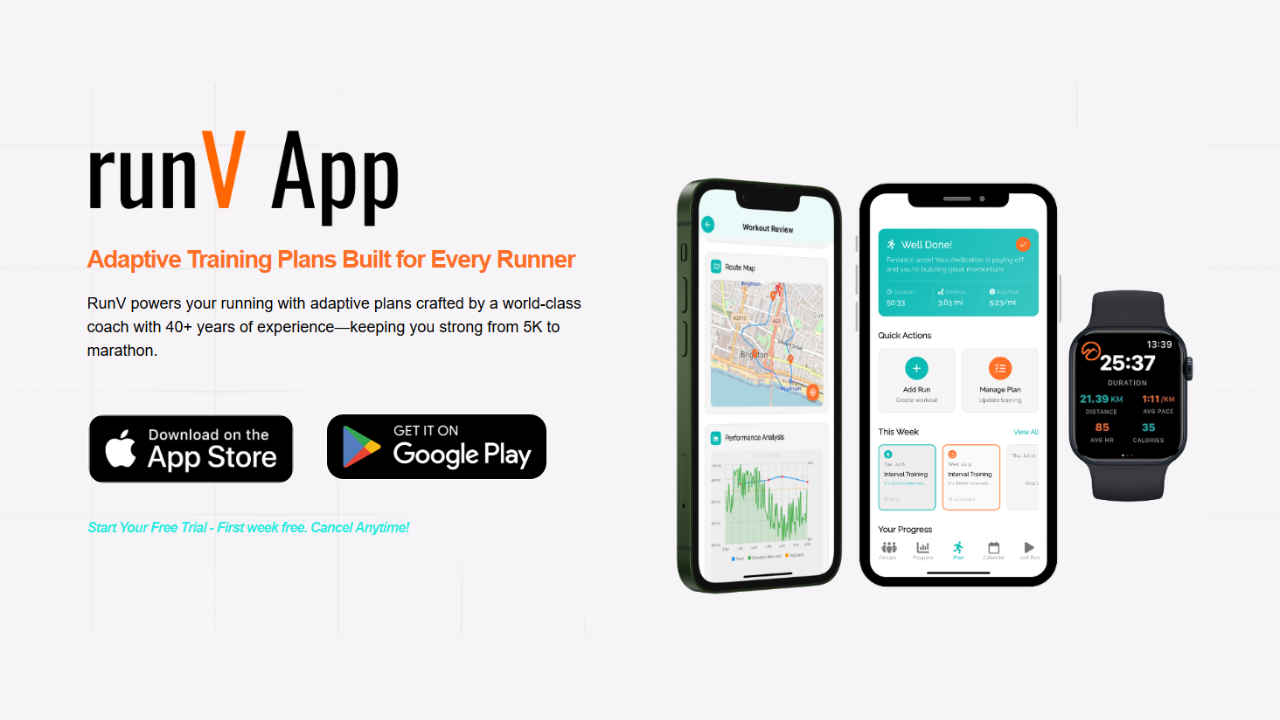
To build this wisdom across a season, structured plans that factor in recovery and fatigue are extremely helpful. This is where adaptive programming can keep you from getting trapped when Your Watch Pace Feels like the only thing that matters. For more on that concept, see Why Adaptive Plans Protect: 7 Essential, Proven Runner Benefits.
Fact #5: Your Training Plan Might Be Built on Pace Myths
The Problem With Rigid Pace Charts
Many training plans are written with rigid pace bands: “Easy runs at 9:00–9:30 per mile,” “Tempo at 7:45–8:00,” and so on. They’re usually derived from a recent race or time trial, then applied as if your body is a machine with perfectly consistent output.
So when Your Watch Pace Feels sluggish on a bad day, these rigid ranges can push you to overwork. Or on a day when you’re flying, they might hold you back from a performance breakthrough.
How Watch-Driven Ego Hijacks Workouts
There’s also the ego factor. You look at last week’s tempo splits and feel compelled to match or beat them every time. The watch becomes a scoreboard rather than a coach. Over time this can lead to:
- Chronic under-recovery
- Subtle overtraining
- Increased injury risk
- Burnout and loss of enjoyment
You might even start to judge entire runs as “good” or “bad” solely on whether Your Watch Pace Feels fast enough, ignoring context like sleep, life stress, weather, or terrain.
Evidence-Based Training Is More Flexible Than You Think
Modern coaching and exercise science increasingly emphasizes:
- Flexible paces based on how you feel that day
- Session goals framed as effort ranges, not single numbers
- Adapting the plan when fatigue accumulates
In other words, the principles (intensity zones, progression, recovery) matter more than tying every run to an exact pace that your watch can barely measure accurately in real time.
How to Fix the “Your Watch Pace Feels” Problem (Without Upgrading Your Watch)
1. Re-Configure Your Data Screens
If Your Watch Pace Feels chaotic every time you look down, the simplest fix is to change what you see. For most runs:
- Screen 1 (Easy/Long Run): Time, distance, average pace, heart rate
- Screen 2 (Workouts): Lap pace, lap time, heart rate, maybe current lap distance
- Remove or hide instant pace from your main screen
This instantly reduces the obsession with tiny fluctuations that don’t matter and puts the focus on consistency over each interval or segment.
2. Use Autolap Intelligently
Autolap (for example, every 1 km or 1 mile) is much more than a convenience feature. It’s a smart way to smooth out GPS noise and get usable performance feedback without staring at the watch.
Strategies when Your Watch Pace Feels unstable:
- Use 1 km or 1 mile laps for tempo and steady-state sessions
- Consider manual laps for track or structured interval work
- Review lap paces afterwards instead of chasing them mid-run
3. Train With RPE and Heart Rate Anchors
For each type of run, assign an RPE range and heart rate zone:
- Easy runs: RPE 3–4/10, able to talk in full sentences; often Zone 2 HR
- Threshold / tempo: RPE 7/10, can speak short phrases; high Zone 3–low Zone 4
- Intervals: RPE 8–9/10, breathing hard; high Zone 4–5
Then, let pace “float” within those effort targets depending on conditions. Over weeks, you’ll notice that, paradoxically, letting go of perfect pace control often leads to better progress overall.
4. Make Peace With Slower Numbers on Tough Days
Your Watch Pace Feels slow after a poor night of sleep? Accept it. As long as the effort matches the purpose of the session, the training benefit is there. Forcing paces on tired legs usually just turns an intended moderate day into a hard day – which steals energy from your true key workouts.
Remember: the body doesn’t adapt to your watch; it adapts to the sum of stresses you place on it and the recovery you allow. (Running without a watch)
5. Calibrate Indoor and Treadmill Running
If you frequently run indoors:
- Use a foot pod if possible; they’re often more consistent than wrist acceleration
- Occasionally run a known distance to calibrate your watch’s indoor tracking
- Trust the treadmill belt speed more than the watch pace when they disagree wildly
Over time, you’ll learn the RPE associated with specific treadmill paces – which then transfer back outdoors even when Your Watch Pace Feels fuzzy.
Advanced Tips for Data-Driven Runners
Use Multi-Band and Multi-GNSS Wisely
Many newer watches offer dual-frequency (L1 + L5) and multi-GNSS (GPS, GLONASS, Galileo, etc.). These features can significantly improve accuracy in tough conditions. However:
- They don’t eliminate all noise – just reduce it
- They often increase battery consumption
- They still can’t perfectly solve dense urban or heavy foliage environments
It’s worth enabling these modes if you frequently run in city centers or on technical trails, but don’t expect miracle-level precision where physics is working against you.
Consider a Foot Pod for Pace-Sensitive Workouts
High-quality foot pods can provide:
- More stable pace data, especially for intervals and track work
- Consistent readings regardless of satellite reception
- Additional metrics like cadence, ground contact time, and vertical oscillation
When paired correctly, they can help when Your Watch Pace Feels jittery from pure GPS. On the track or tight loops, a calibrated foot pod often outperforms GPS for instantaneous pace.
Watch Out for Over-Reliance on Tech
More sensors and data can be helpful, but they also make it easier to fall into the trap of micromanaging every split. If you find yourself getting anxious every time Your Watch Pace Feels slightly off, that’s a sign to re-center on feel.
Modern wearables offer enormous potential if used with clear intent. If you’re curious how deeper tech trends are reshaping training, explore Are Your Wearables Finally Smart Enough to Run Your Health?, which digs into the bigger picture of connected, health-focused training tools.
Let Algorithms Help – But Not Rule You
Some platforms now auto-adjust your training zones and suggested workouts based on recent performance, heart rate variability, sleep, and more. This is powerful when:
- You’re prone to doing too much, too soon
- You struggle to match paces on varied terrain or in changing conditions
- Your life stress fluctuates week to week
These tools can de-emphasize rigid pace targets and shift focus to overall load and readiness. But they’re only as smart as the data they see, and they still can’t feel your legs. Use them as guardrails, not dictators.
Key Takeaways: How to Make Peace With Your Watch Pace
When “Your Watch Pace Feels” Should Be Ignored
In some contexts, the best move is to largely ignore moment-by-moment pace:
- Technical trails with big climbs and descents
- Hot, humid days when HR is sky-high at normal paces
- Very windy conditions
- Recovery runs where the actual goal is “go truly easy”
In these cases, rely more on RPE, breathing, and heart rate. Let pace become a byproduct, not the driver.
When “Your Watch Pace Feels” Can Be Trusted
Pace readings are most useful when:
- You’re on flat, open routes with good sky view
- Doing tempo or marathon-pace work on road or track
- Assessing overall pacing across a long run or race
- Comparing laps on the same course under similar conditions
Here, GPS-based pace is good enough to guide you, especially if you focus on lap or average pace instead of instant pace.
Turn Your Watch From Critic Into Partner
Ultimately, the solution to “Your Watch Pace Feels wrong” isn’t to throw away technology; it’s to use it like an experienced training partner instead of an unforgiving boss. That means:
- Understanding its limitations and quirks
- Configuring it to show the metrics that actually help you run better
- Combining pace with heart rate, RPE, and context
- Accepting that variability is normal, not a sign of failure
When you do this, your watch becomes a tool that supports smarter planning and long-term consistency. It stops dictating your self-worth every time Your Watch Pace Feels slower than the number you had in your head.
Over a full season, that mindset shift can be more powerful than any single workout. Combined with smart scheduling, proper recovery, and the right gear choices, it’s often the missing piece between random efforts and meaningful progress.
If you’re layering this with gear upgrades – like choosing a new GPS device or refining your setup – it’s worth taking a strategic approach. For a dive into getting more performance from your tech choices, have a look at Is Your GPS Watch Quietly Sabotaging Your Training?, which pairs perfectly with the ideas in this guide.
When your training is aligned with your physiology, your tools are configured intelligently, and Your Watch Pace Feels like guidance instead of judgment, you’re no longer at the mercy of a fluctuating number on your wrist. You’re back in charge of the one thing that really matters: steady, sustainable improvement.