Gear & tech 5 min
Apps merge Garmin Apple workouts seamlessly

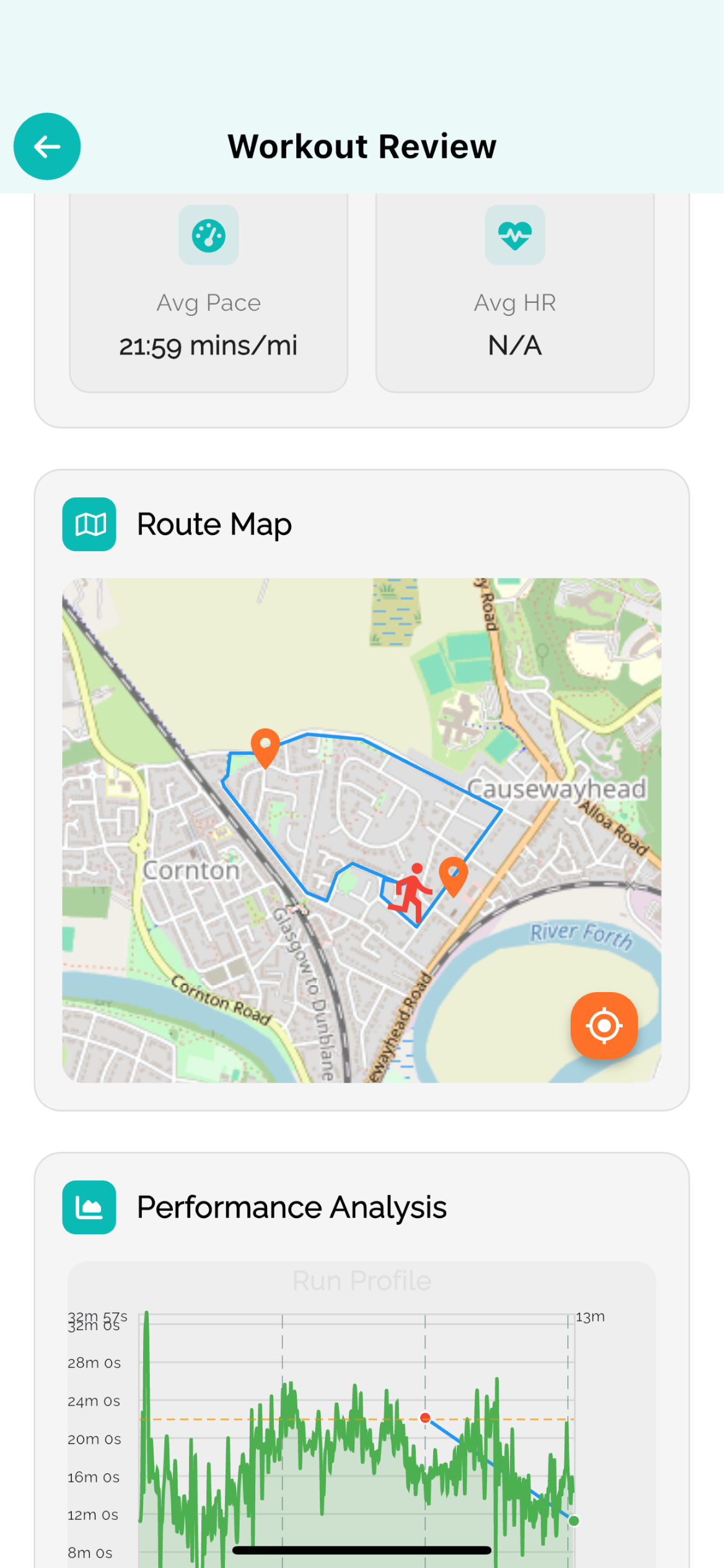
Modern running apps now sync Garmin and Apple Watch workouts automatically, eliminating manual data entry and fragmented fitness records. Both platforms support direct data sharing via Health apps, web integrations, and third-party services like Strava and TrainingPeaks. If you run with multiple devices or switch ecosystems, seamless merging keeps your training log unified and accurate.
How native syncing works between Garmin and Apple
Garmin Connect syncs workouts to Apple Health via a direct integration on iPhone. Once enabled in the Garmin app settings, every completed run automatically transfers to the Health app within minutes. Apple Watch workouts also flow to Health natively. Both ecosystems then share that data with compatible third-party running apps, creating a unified source of truth for your training.
Third-party apps that merge both device ecosystems
- Strava: imports from both Garmin Connect and Apple Health; one feed for all activities
- TrainingPeaks: accepts Garmin workouts and Apple Watch data for structured training analysis
- Komoot: merges route data from Garmin devices and Apple Watch activity
- Strong: consolidates strength, cardio and outdoor workouts across both platforms
- RunKeeper: syncs Garmin and Apple watches for consistent workout history
Setting up automatic Garmin-to-Apple syncing
- Open the Garmin Connect app on your iPhone
- Go to Profile → Settings → Connected Apps
- Select Apple Health and tap 'Connect'
- Authorise Garmin Connect to access and write Health data
- Tick 'Workouts' to enable automatic sync
- Complete a run on your Garmin device; data appears in Health within 5–10 minutes
Why merge workouts across platforms
Running with multiple devices is common: you might wear an Apple Watch for daily activity and use a Garmin for detailed GPS training. Merging data prevents duplicate entries, ensures one accurate training log, and lets you see cumulative mileage and effort in a single app. It also simplifies sharing with coaches or training partners.
Potential syncing issues and fixes
- Workouts appear in Health but not in third-party apps: check app permissions in iPhone Settings → Privacy → Health
- Delayed sync: ensure Garmin Connect and Apple Health both have internet access; manually refresh if needed
- Duplicate entries: some apps import from both Garmin and Health; disable one source in app settings to prevent doubles
- Missing metrics (cadence, heart rate): verify your Garmin device is sensor-paired and Apple Watch has LTE or Bluetooth connection during the run
Using merged data for adaptive coaching
When all your workouts sync to one platform—whether Garmin, Apple Health, or a coaching app—you get a complete picture of your training load, recovery patterns, and pacing trends. AI-driven coaching tools can then analyse cumulative effort across all runs, suggest appropriate intensities for your next session, and flag fatigue before injury occurs. A unified dataset is the foundation of truly personalised, adaptive training.
Best practice: choose a primary platform
Rather than juggling multiple apps, pick one as your main coach or log—Strava, TrainingPeaks, or your running app of choice—and feed all device data into it. This keeps your history clean, makes trend analysis reliable, and ensures your coach (human or AI) sees the full picture without manual consolidation.
FAQ
- Do I need both a Garmin and Apple Watch to use these syncing tools?
- No. Syncing tools work with either device alone. They're most useful if you wear both or switch devices, but single-device runners benefit from having a backup source if one device fails.
- Will merging Garmin and Apple Watch data create duplicates?
- Not if you sync carefully. If you export the same workout to multiple apps via both Garmin Connect and Apple Health, you may see duplicates. Use one primary source per third-party app to avoid this.
- Can I edit or delete workouts after they've synced?
- Yes. Edits made in Garmin Connect or Apple Health typically update within minutes. However, changes in third-party apps (Strava, TrainingPeaks) don't always sync back; check app documentation for edit rules.
Train smarter
RunV turns this thinking into your plan — adaptive coaching that rebuilds after every run.
Keep reading