Gear & tech 5 min
Training plan app that works with Apple Watch and Garmin both

A training plan app that syncs with both Apple Watch and Garmin exists—you don't need to choose one ecosystem or abandon your existing watch. The right app bridges both platforms, pulling workout data into a single training dashboard so you can follow a structured plan regardless of which device sits on your wrist.
Why cross-platform compatibility matters for runners
Many runners own multiple devices or switch between Apple and Garmin over time. A training plan app locked to one ecosystem forces you to either duplicate data entry, ignore one watch, or abandon your training structure. Cross-platform apps sync automatically from both devices, keeping your training log unified and your coaching responsive to real workouts, not missed data.
What to look for in a dual-compatible training app
- Direct API integration with both Apple HealthKit and Garmin Connect (not manual CSV imports)
- Automatic sync of heart rate, distance, pace and elevation from both devices shortly after each run
- Unified calendar view showing all workouts regardless of which watch recorded them
- Ability to log workouts on whichever device you're wearing that day without breaking the plan
- No requirement to subscribe to two separate coaching platforms
- Support for both devices in the same training block, not just one at a time
How to set up your watch with a dual-platform app
- Download the training app and create your account
- Allow Apple Health access (for Apple Watch sync) and sign in to Garmin Connect from the app settings
- Authorise both services to share workout data with the app
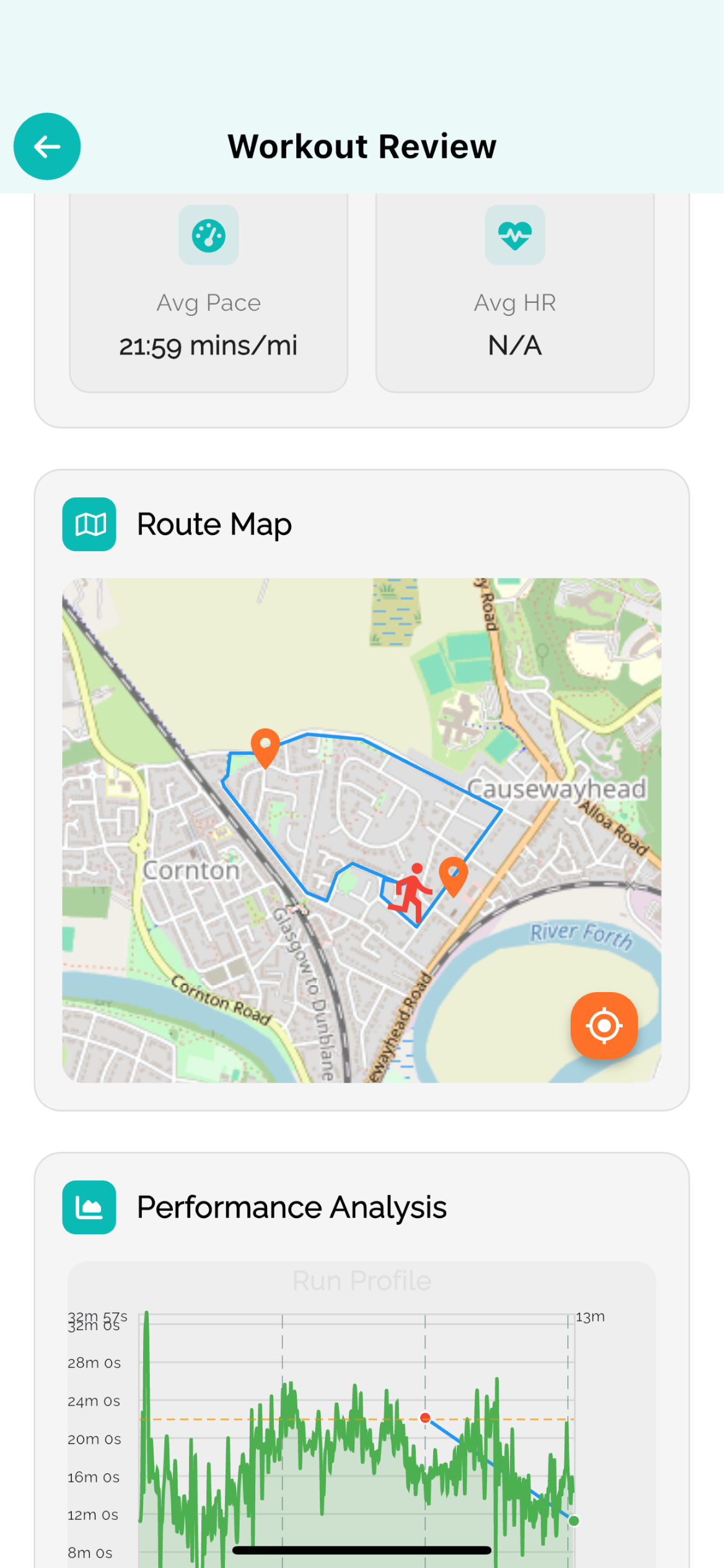
- Wear whichever watch you prefer for each run—the app fetches data from both
- Check your training dashboard to confirm workouts appear within 15–30 minutes of finishing
Common setup issues and how to fix them
If workouts aren't syncing, first check that both watches are syncing to their respective apps (Apple Health and Garmin Connect). Revoke app permissions and re-authorise them in your device settings. Some apps sync on a 30-minute delay; if you've just finished a run, wait before assuming a failure. If one device still won't connect, update the app, restart your phone, and contact support with your device model and OS version.
Data-driven coaching across both platforms
A training plan that reads data from both your Apple Watch and Garmin can adapt more intelligently. If you run an easy run on Monday with your Apple Watch and a tempo session on Tuesday with your Garmin, the app sees both efforts in context. Adaptive coaching then uses that complete picture—true heart rate variability, actual weekly load, real pace trends—to adjust your next workouts, rather than relying on incomplete data from a single device. This is how modern, responsive training works: the more devices feeding clean data, the better the plan adjusts to your actual fitness.
Switching between Apple Watch and Garmin mid-training
Dual-platform apps handle device switching seamlessly. You can run with your Apple Watch for a week, then switch to Garmin the following week—or alternate runs. The training plan remains the same; only the data source changes. No manual logging, no plan reset required. This flexibility is especially useful if you travel, race in a different time zone, or rotate devices for battery management.
Is one platform better for training plan apps?
Neither Apple Watch nor Garmin is inherently better for structured training—both record accurate distance, pace and heart rate. The choice depends on your watch's features (Garmin typically offers longer battery life and trail navigation; Apple Watch integrates tightly with iPhone and offers better wearable notifications). A cross-platform app removes the decision: use whichever watch suits that day or week, and your training plan adapts regardless.
FAQ
- Do I need a premium subscription to sync both Apple Watch and Garmin?
- It depends on the app. Some offer dual-device sync at the free tier; others require a paid plan. Check the app's feature matrix before signing up. Most reputable training apps don't charge extra per device—the subscription covers features, not device limits.
- Will my old Garmin workouts import into a new training app?
- Yes, if the app supports Garmin Connect import. Most modern training apps can pull your Garmin history on first setup. Apple Health also stores past Watch workouts. However, very old devices or disconnected accounts may not sync. Test the connection before committing to the app.
- What happens if I wear my Apple Watch and Garmin on the same run?
- The training app will record two separate workouts. You'll see both in your calendar. Some runners do this intentionally to compare device accuracy; most turn off one watch to avoid duplicate logging. Check your app's settings for options to merge dual-logged runs or ignore one device during specific sessions.
Train smarter
RunV turns this thinking into your plan — adaptive coaching that rebuilds after every run.
Keep reading